Design Sprint: Loops
Building a platform to record and share DIY projects
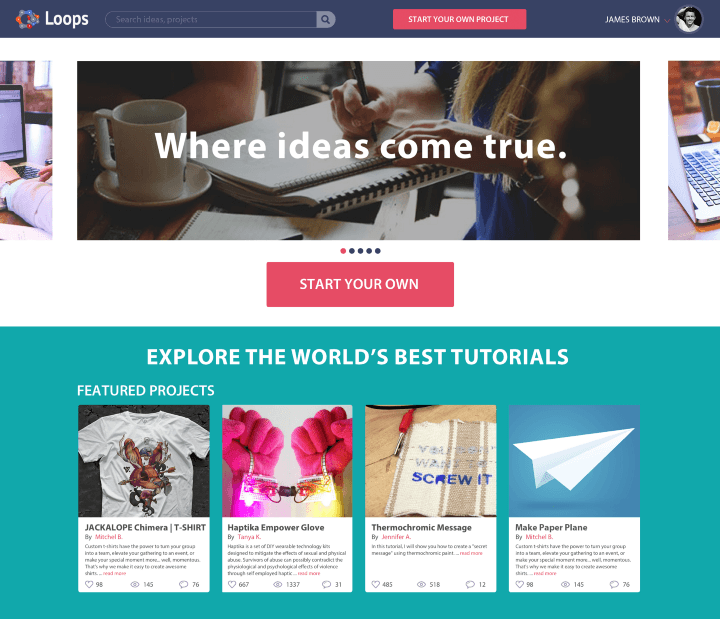
Design Sprint: Loops
2016 · University Project · Google Ventures Design Sprint · Platform Design
Overview
A case study documenting a Google Ventures Design Sprint conducted in a university setting over five days, focusing on creating and testing a high-fidelity prototype for DIY project documentation.
The Challenge
Create a convenient platform for recording and sharing DIY project instructions within five days using the SPRINT methodology.
From the project brief: "Create a platform — the best open access self-study knowledge platform for any kind of project or topic."
Audience
Makers—anyone interested in creating or remaking DIY project instructions.
Team
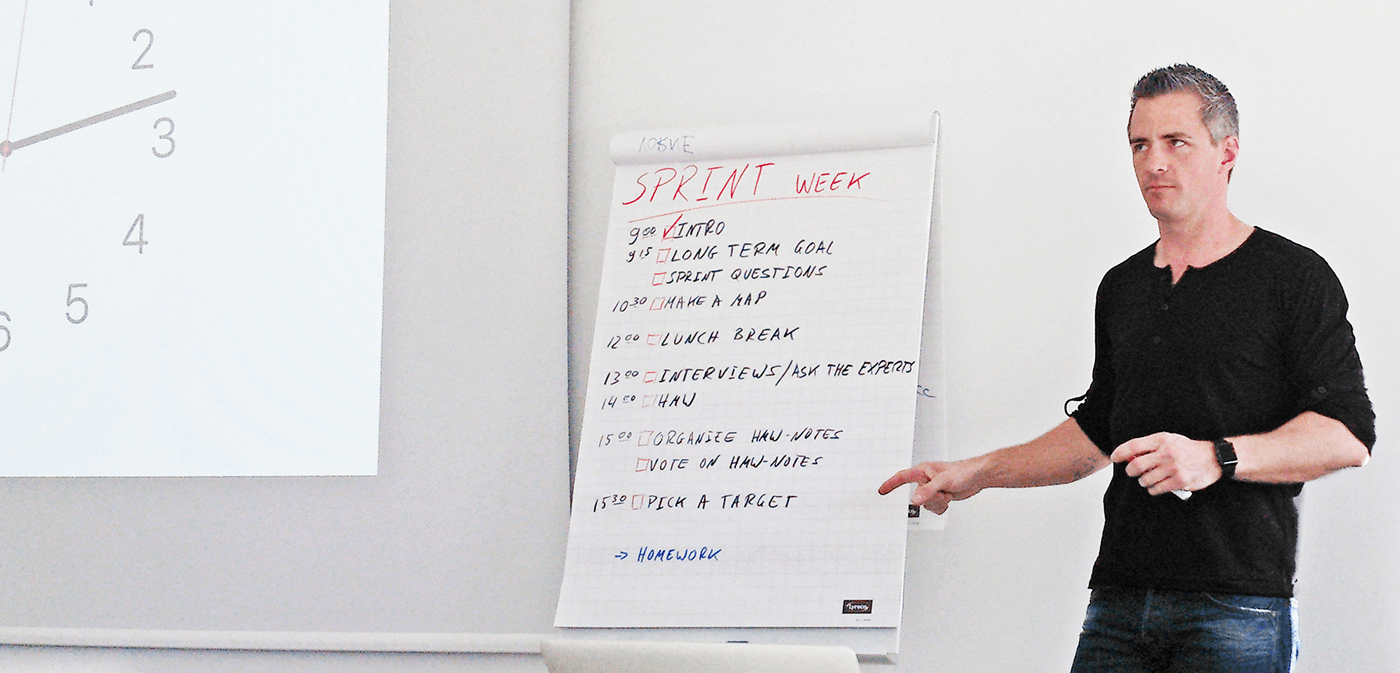
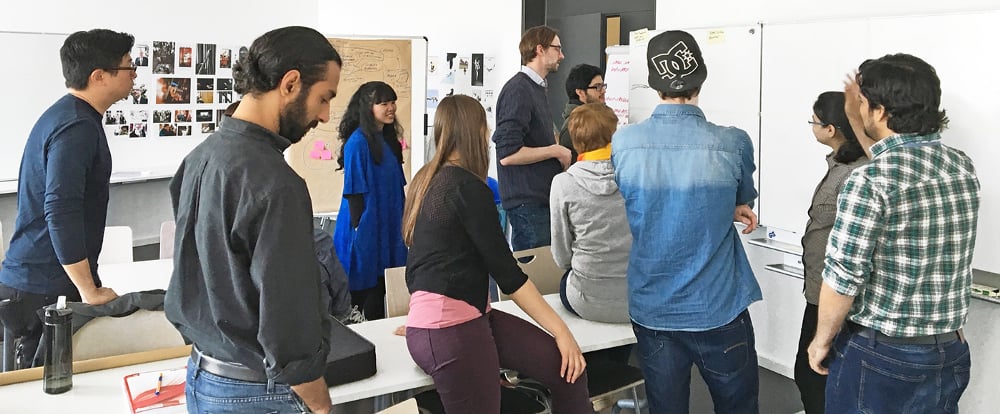
12 students plus facilitator Professor Karsten Nebe. I was responsible for copywriting, prototype structure, and documentation.
Key insight: "We all learn. All the time. How do we learn? By research, trial and error. Quite often by reproducing/imitating."
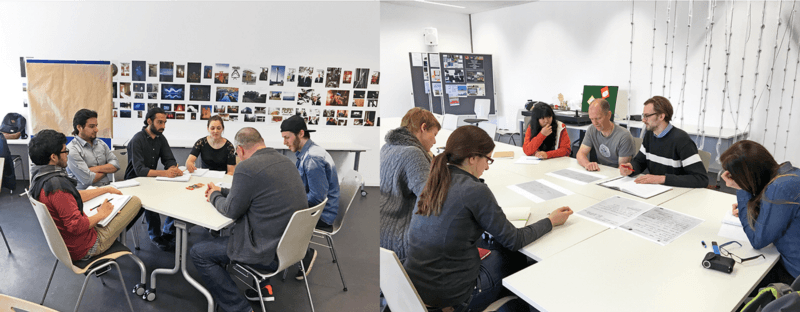
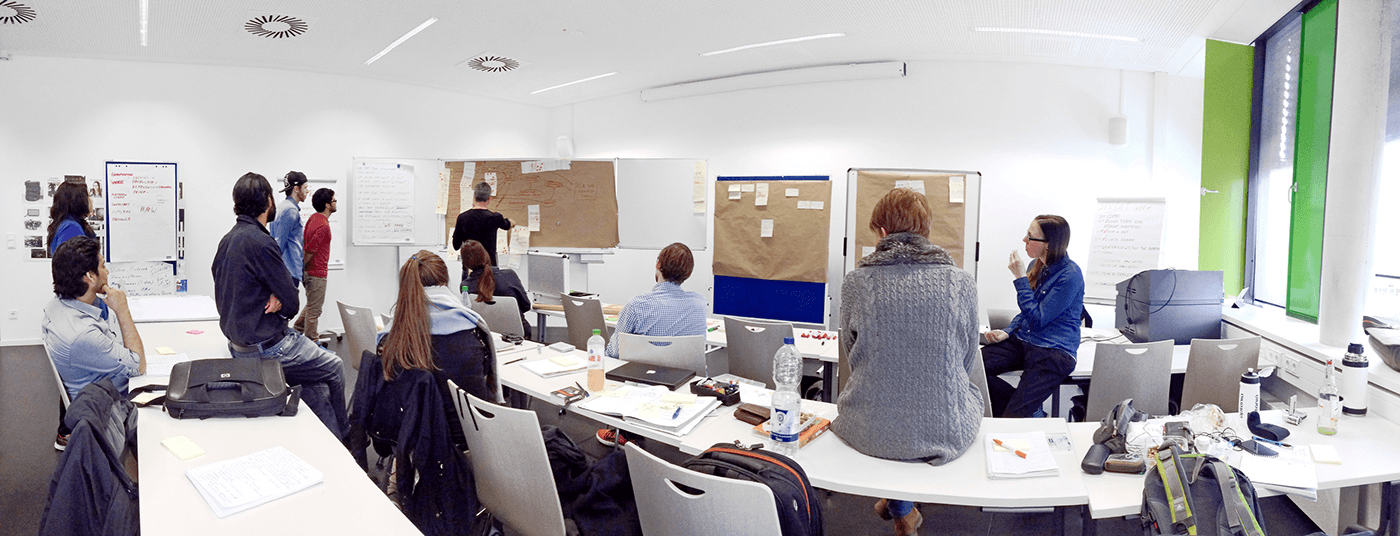
MONDAY — Setting Goals & Problem Identification
Activities:
- Introduction to sprint methodology
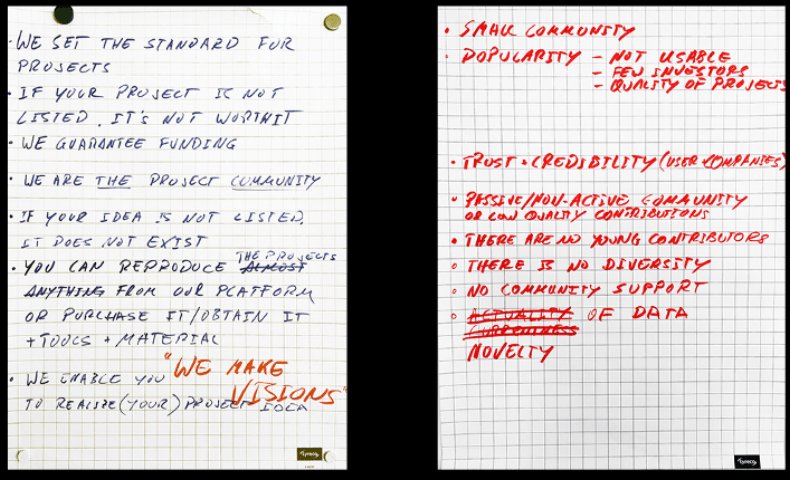
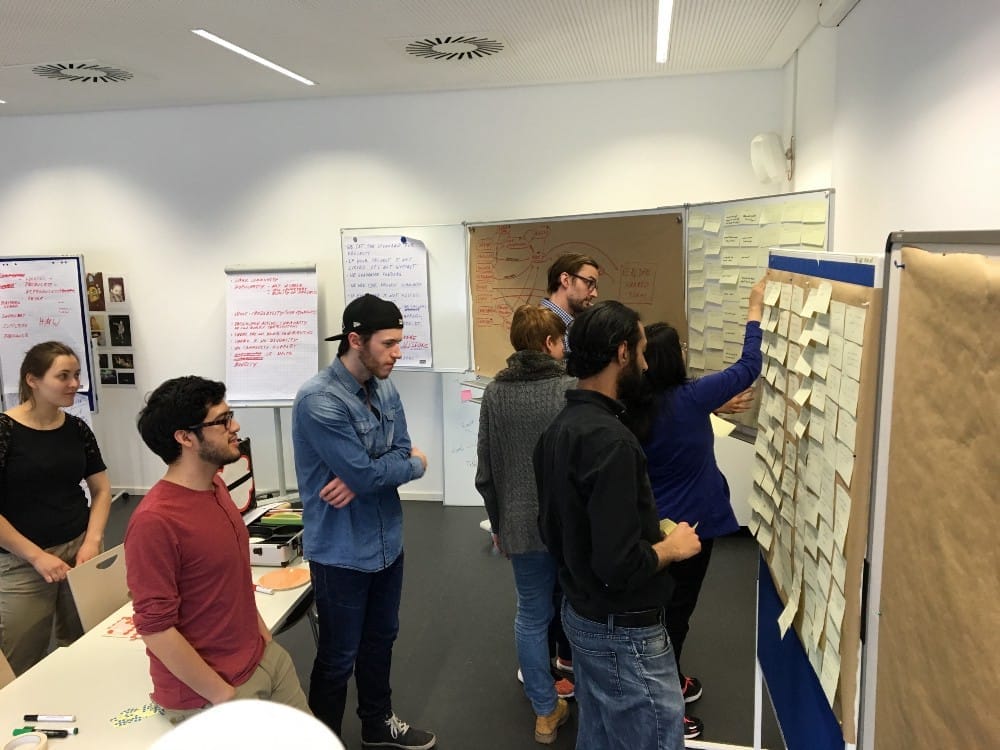
- Created success and failure factors list
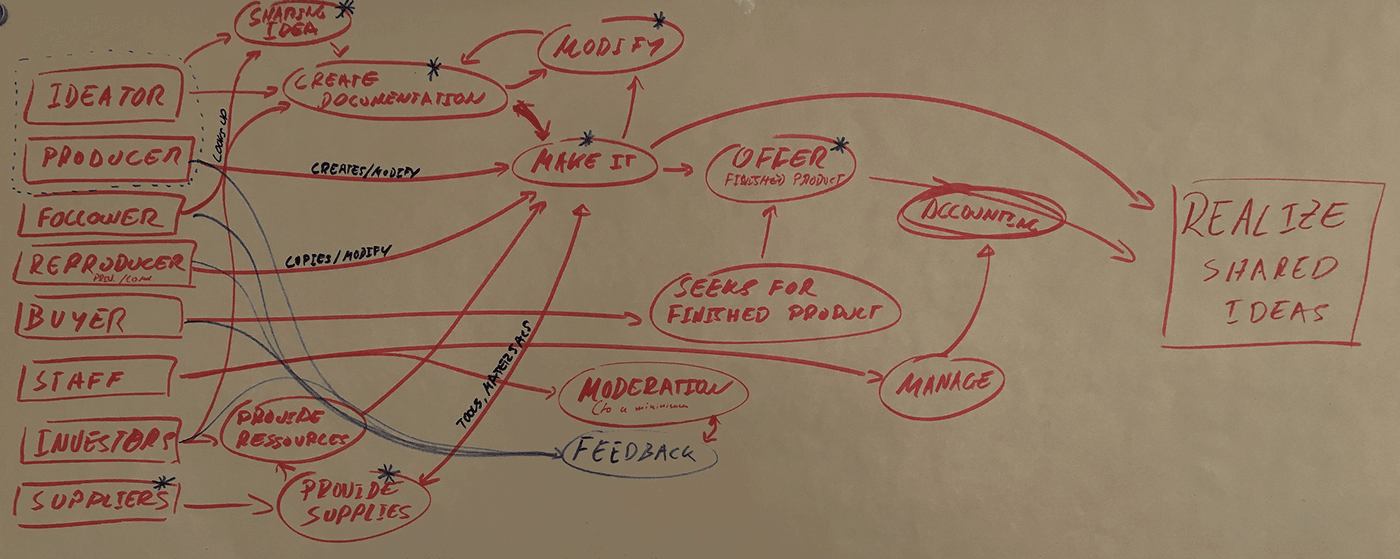
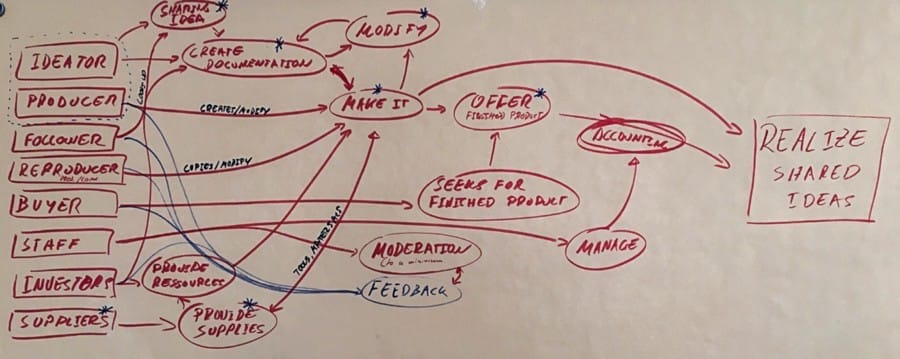
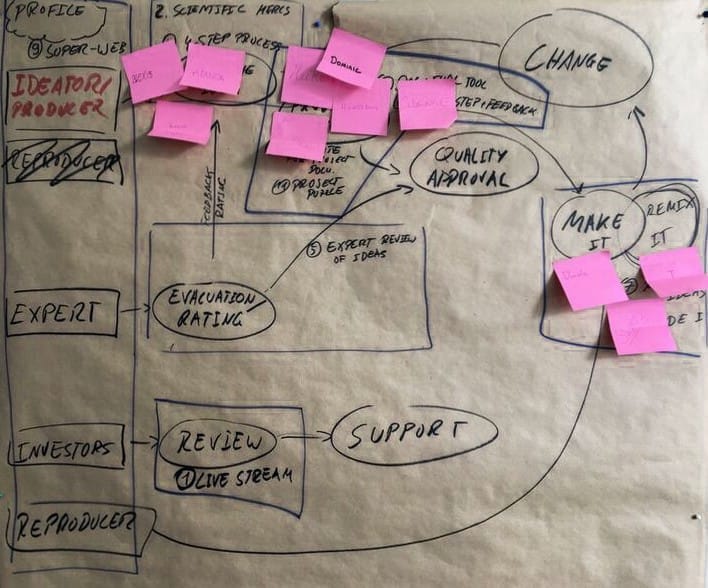
- Developed stakeholder map showing relationships
- Conducted four expert interviews
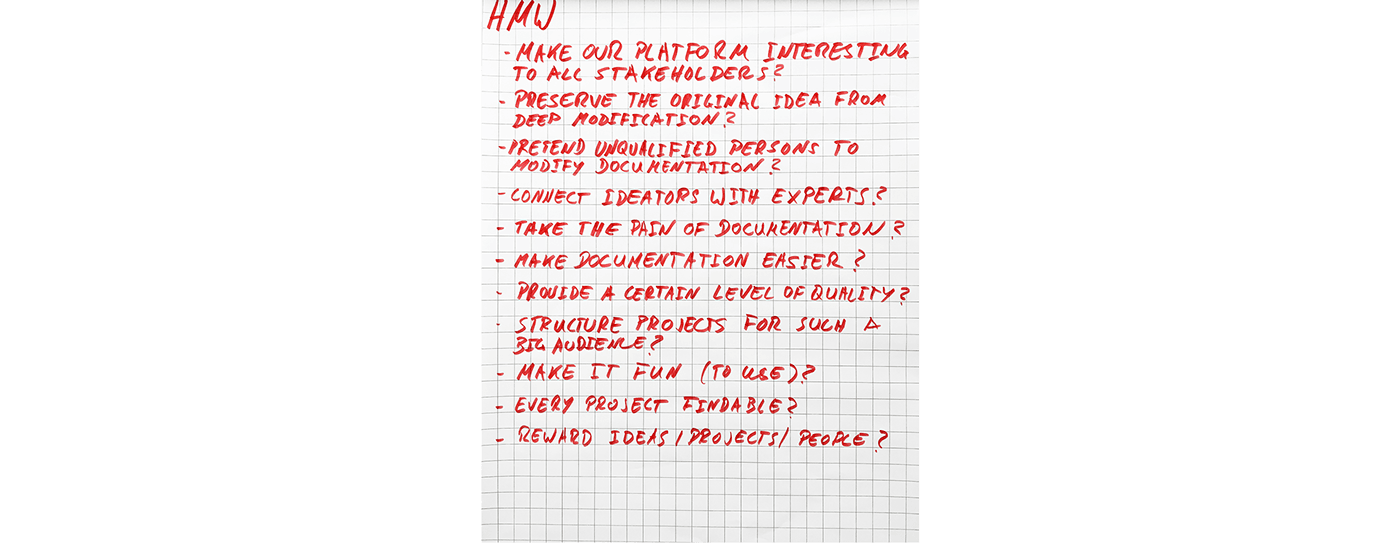
- Generated "How-Might-We" questions
- Categorized three core focus areas:
- Sharing an idea
- Documenting ideas & projects
- Remaking projects
Lessons Learned:
- Early user involvement critical
- Map design was overly complex
- Need clearer scenario illustrations for stakeholders
TUESDAY — Solution Sketching
Activities:
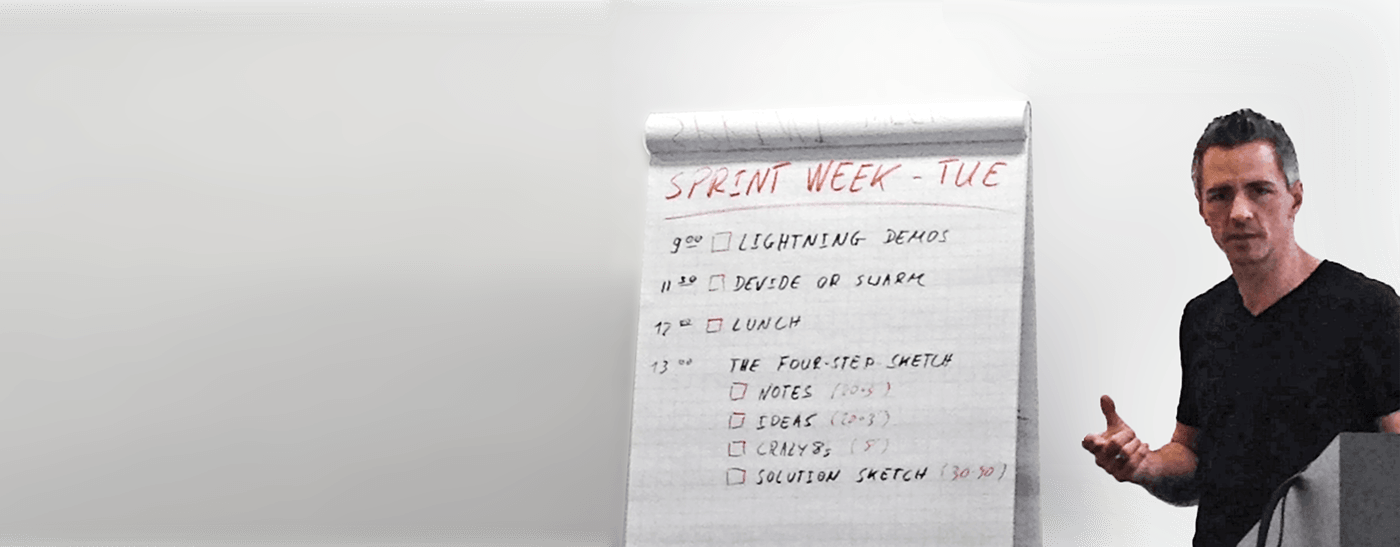
- Lightning demos (3-minute presentations of existing solutions)
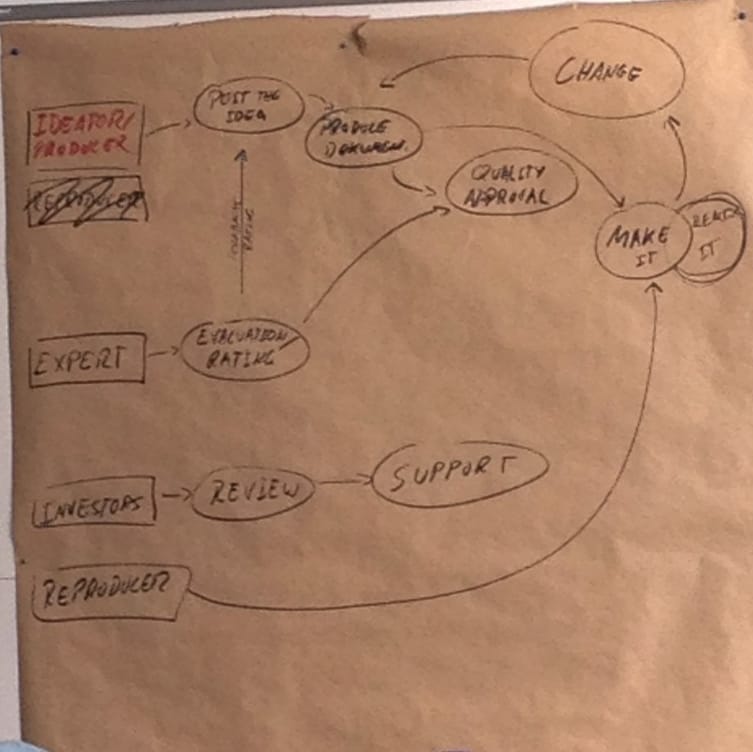
- Simplified the stakeholder map
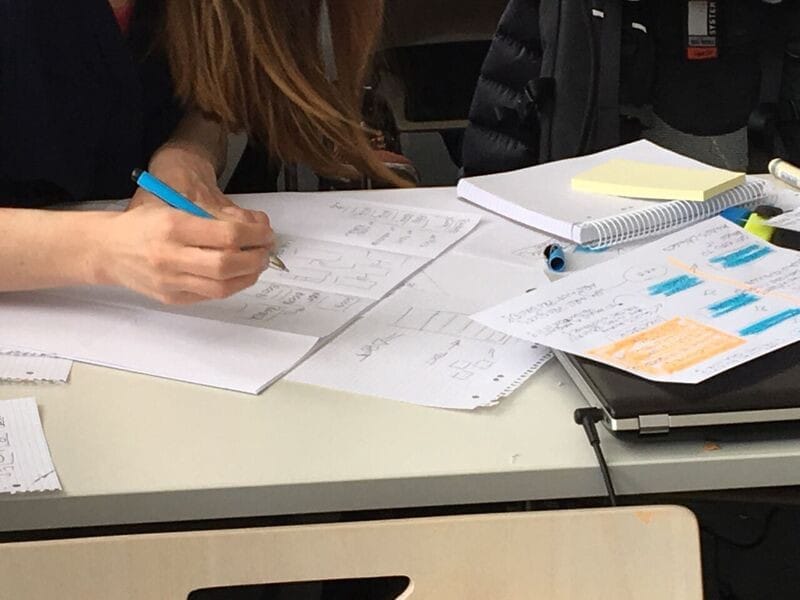
- Four-step sketching process per participant:
- Notes
- Ideas
- Crazy 8's
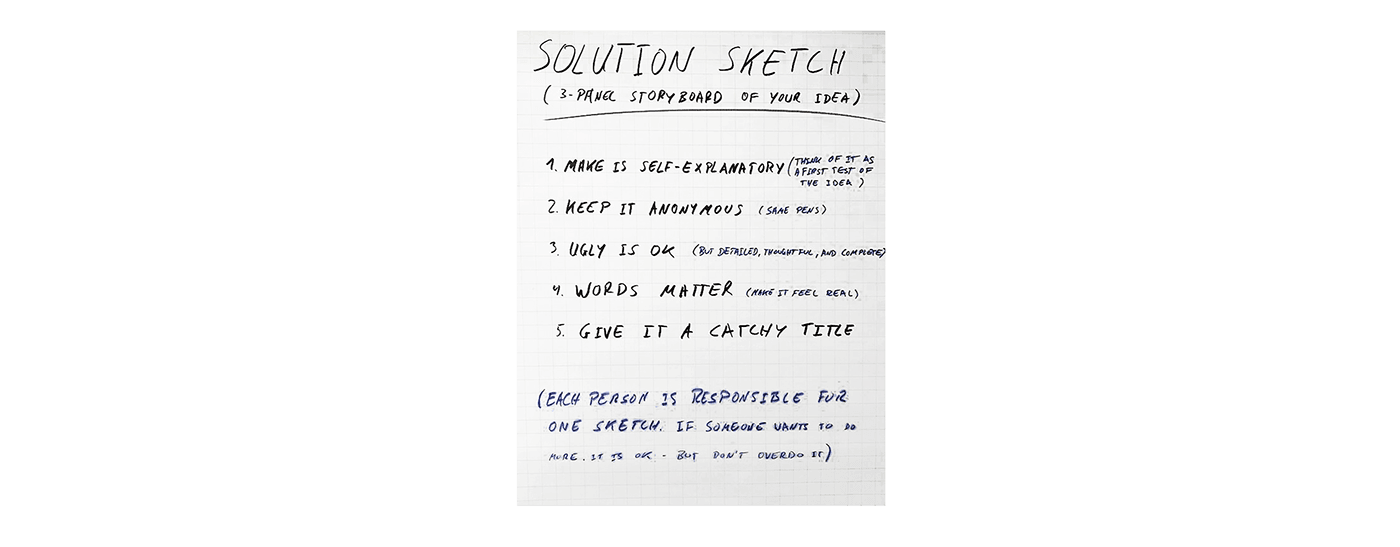
- Solution sketch
Crazy 8's Method: "Fold a sheet of paper to create eight frames. Sketch a variation in each frame. Spend one minute per sketch."
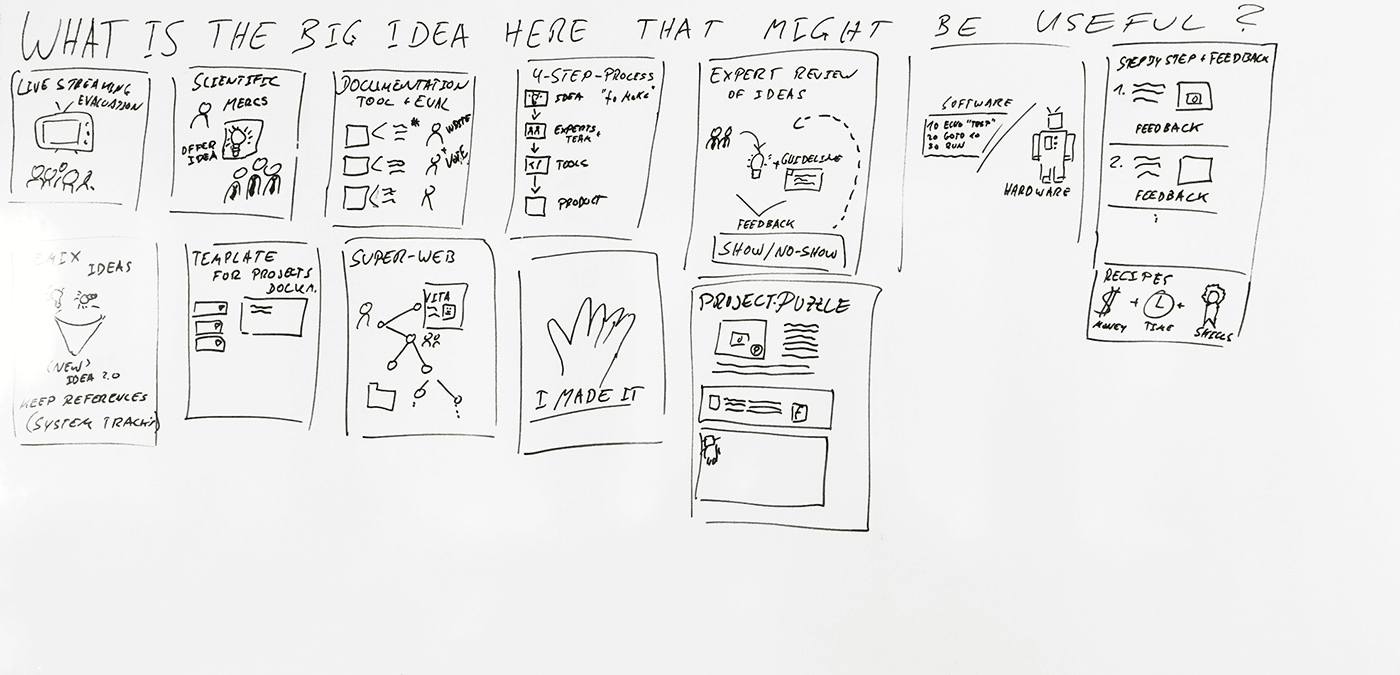
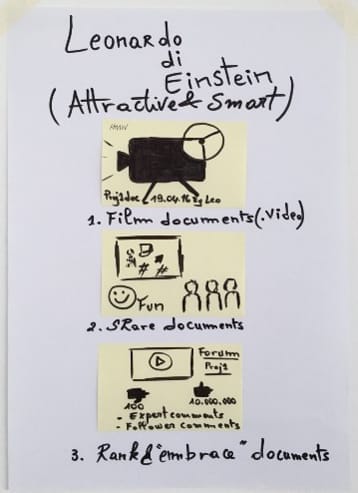
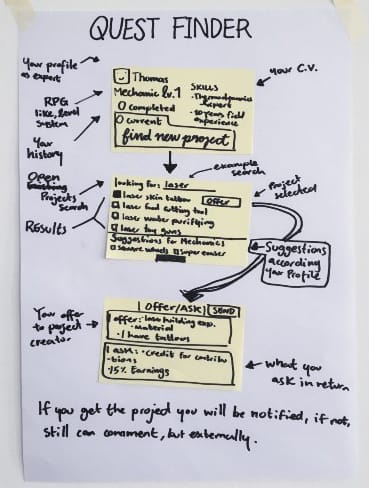
Outcomes: Multiple solution sketches exploring interaction, navigation, workflow, and terminology.
Lessons Learned:
- Crazy 8's methodology effective and engaging
- Synthesis of diverse ideas valuable
WEDNESDAY — Decision & Concept Development
Activities:
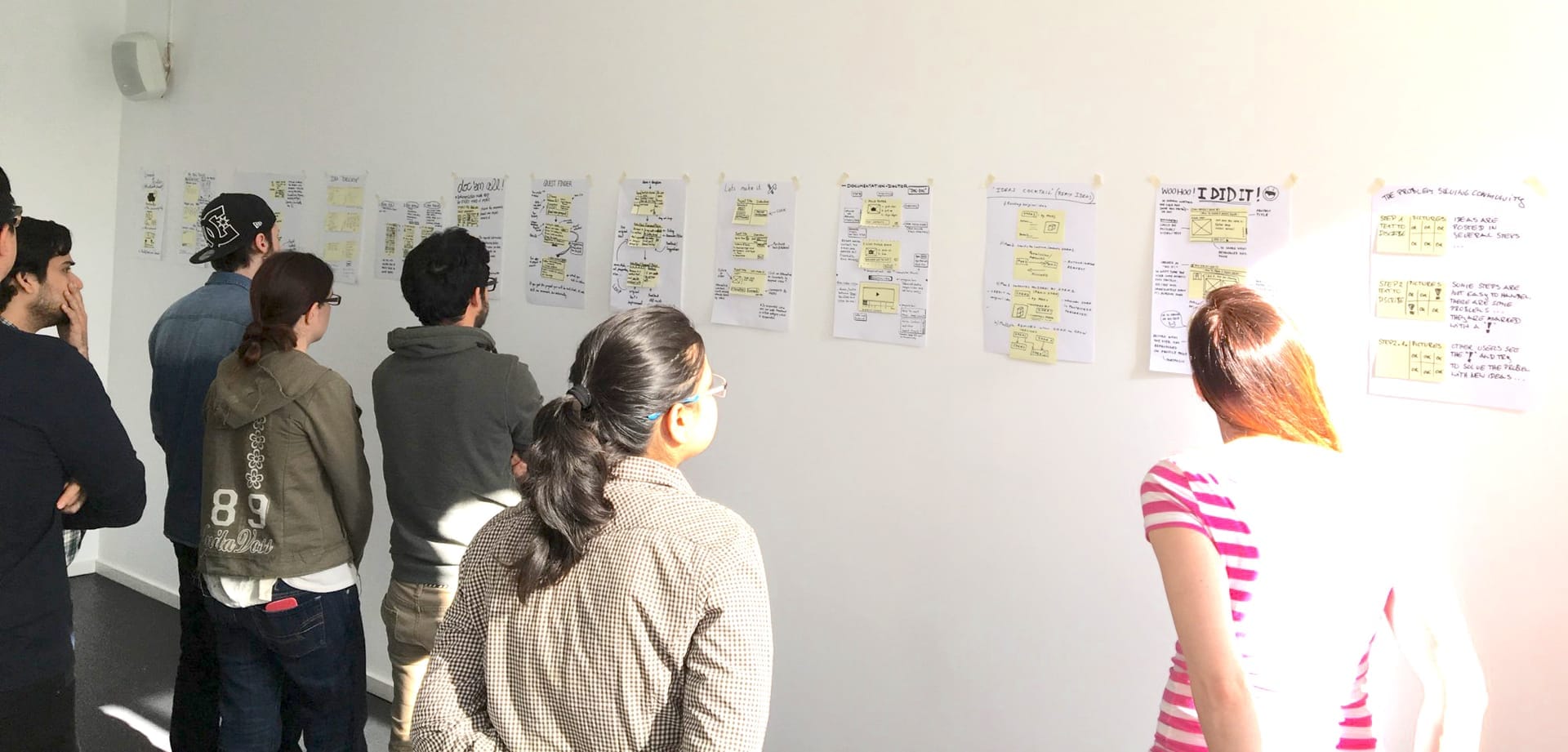
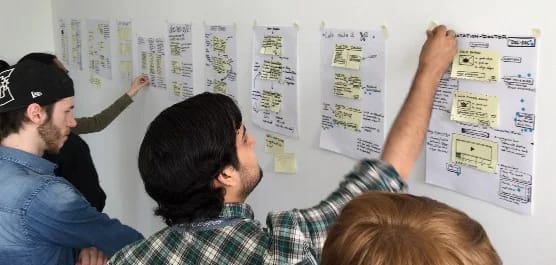
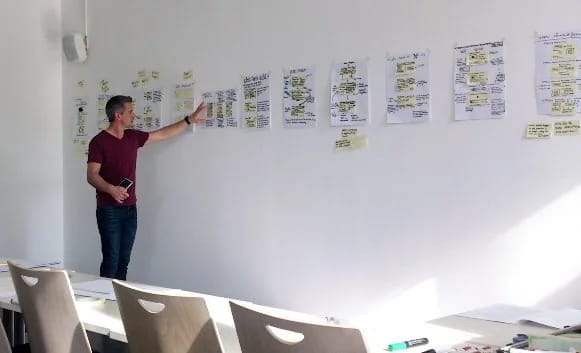
- "Art Museum" presentation of all solution sketches
- Heat map voting on features
- Speed critique sessions (3 minutes per sketch)
- Straw poll voting with facilitator super-votes
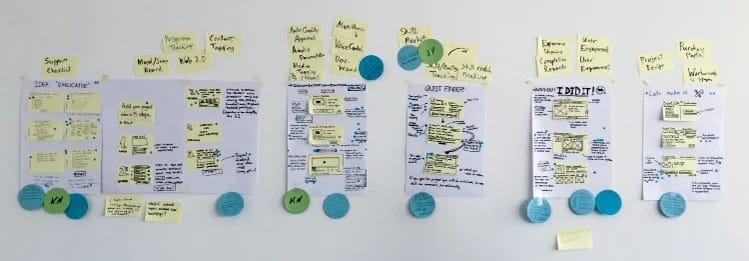
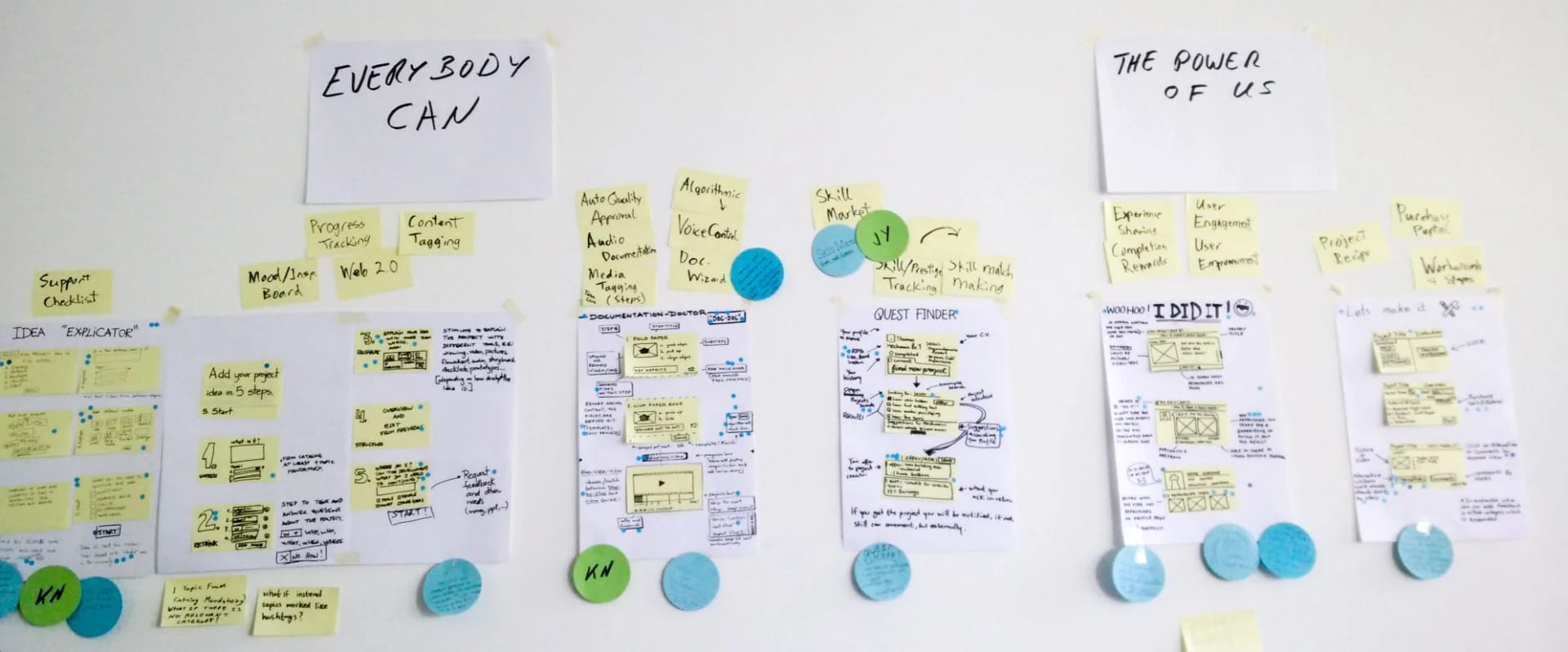
- Split into two prototype threads:
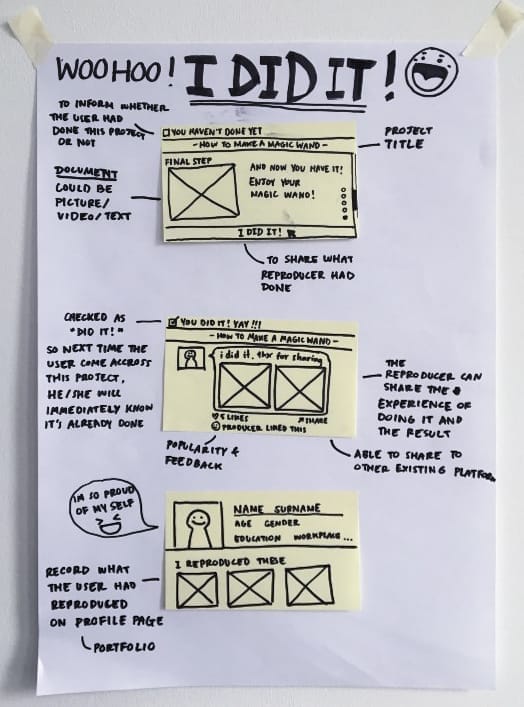
- Everybody Can: focused on easy documentation workflow
- The Power of Us: emphasized community aspects
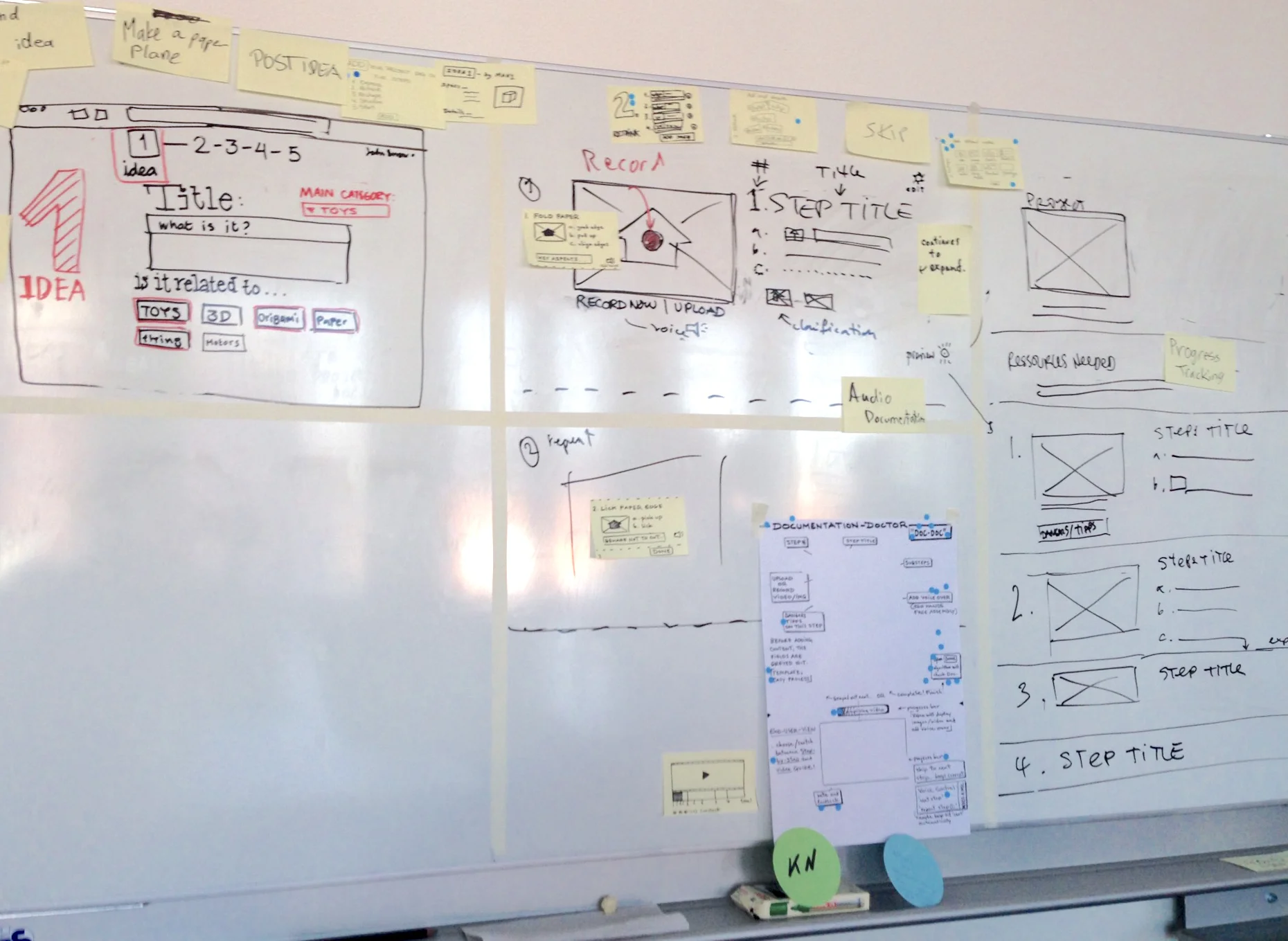
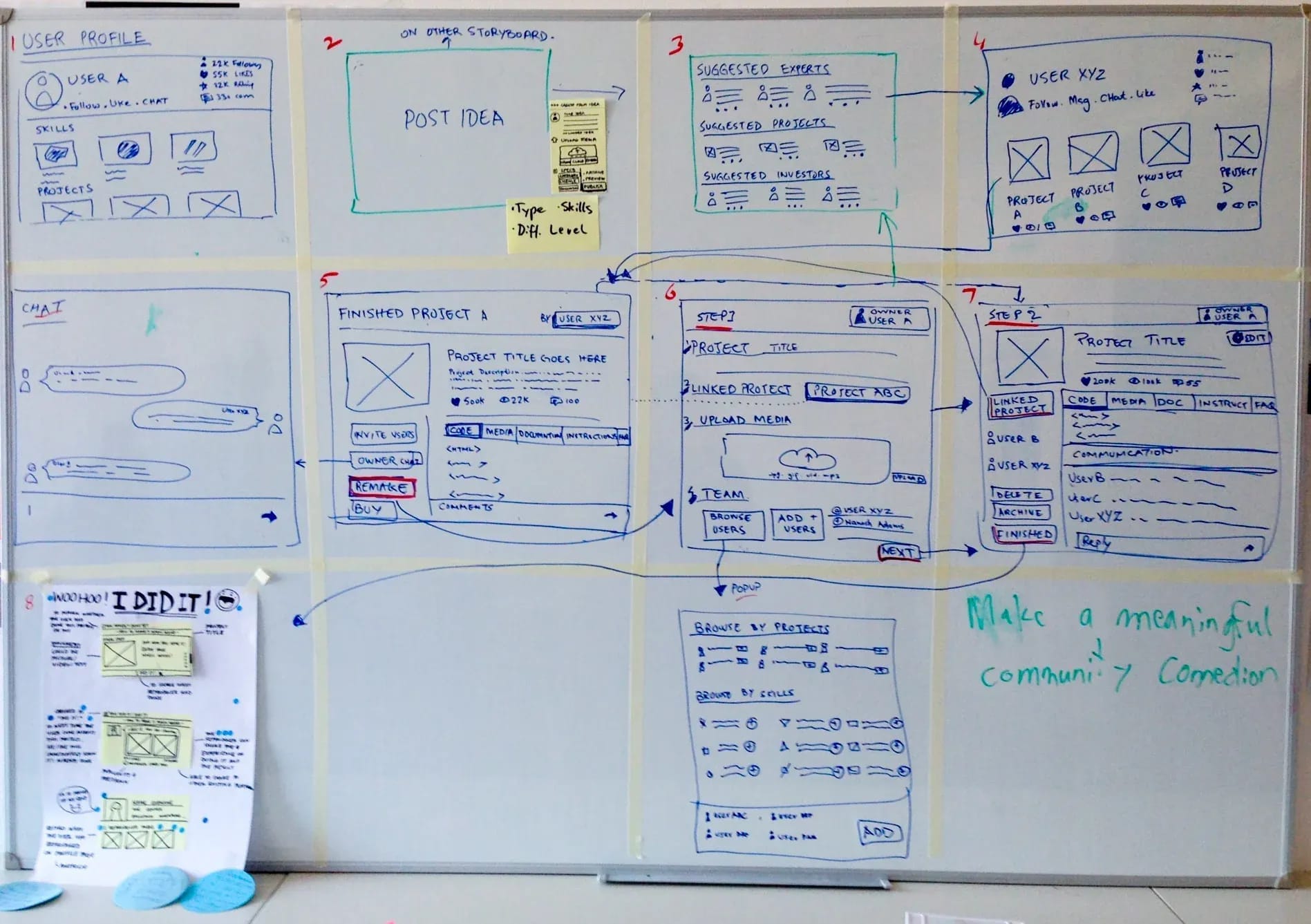
- Created combined storyboard
- Conducted paper airplane documentation exercise to establish detail requirements
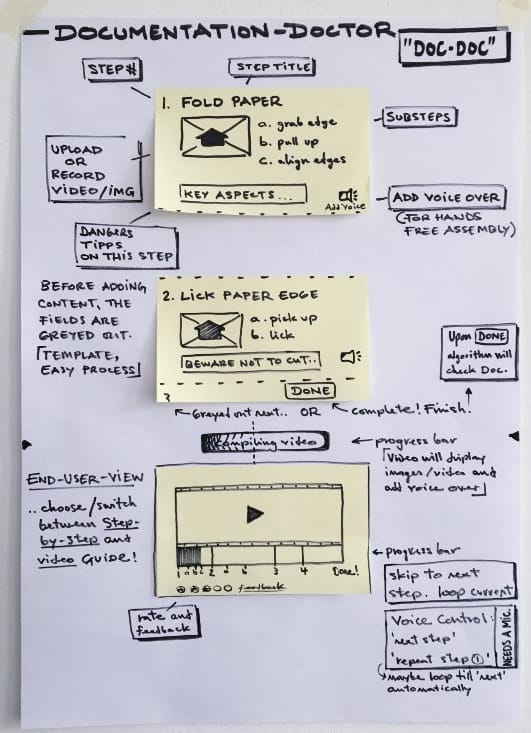
Critical Moment: Team simulation where one member documented folding a paper airplane, then another used only those instructions to replicate it successfully, clarifying necessary documentation detail level.
Challenges Identified:
- Large group (13 people) difficult to manage
- Abstract theme names unclear
- Scope expansion problematic
- Scope management proved challenging with team size
Lessons Learned:
- Maintaining focus on primary goals essential
- Separating community and core features created distraction
- Clear scope agreements needed upfront
THURSDAY — High-Fidelity Prototyping
Task Distribution:
- Makers (layout & design)
- Stitchers (assembly/implementation)
- Writer (copywriting)
- Asset collectors (UI kit, color scheme, logo)
- Interviewers (test preparation)
Deliverables:
- Platform named "Loops" (referencing potential for project variations)
- Logo design
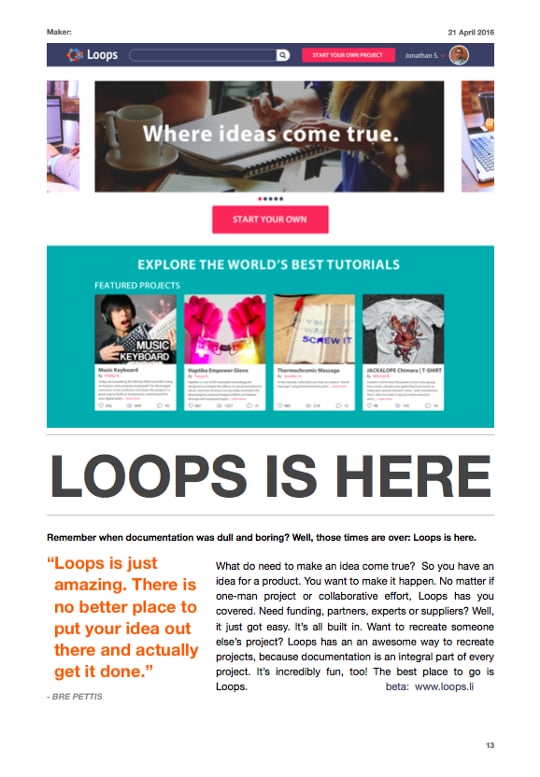
- Marketing advertisement for test introduction
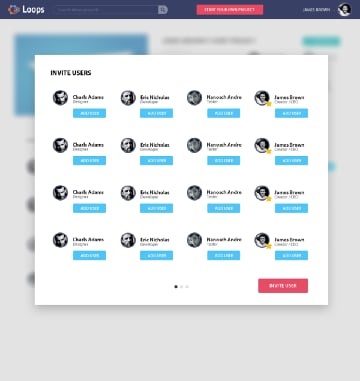
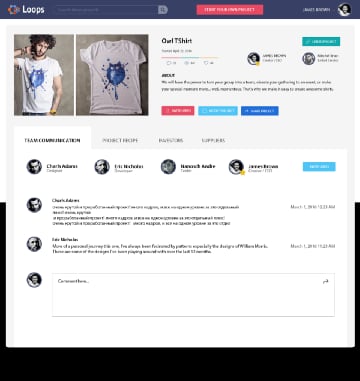
- Interactive prototype
- Usability lab setup
- Test script and agenda
Key Decisions:
- United previously separate storyboards
- Selected UI kit and color palette
- Created marketing collateral
Lesson Learned: Prototype freeze critical—unapproved changes caused confusion.
FRIDAY — User Testing & Analysis
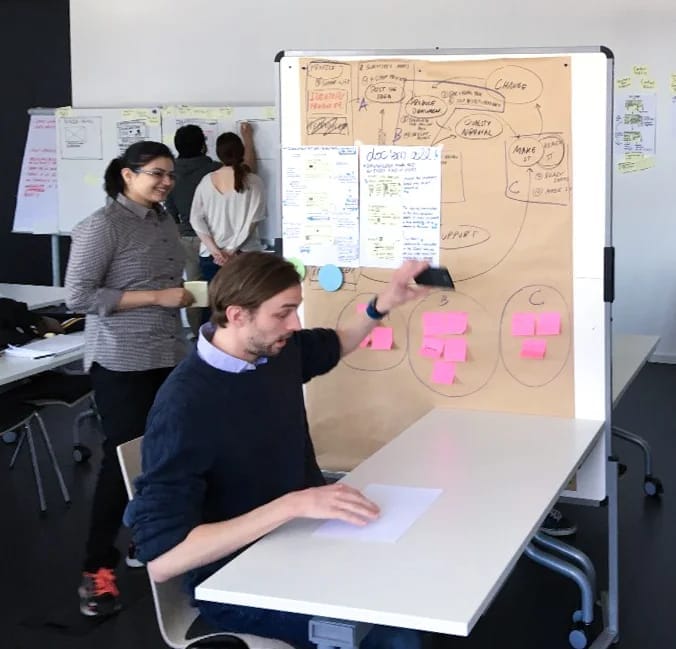
Test Methodology:
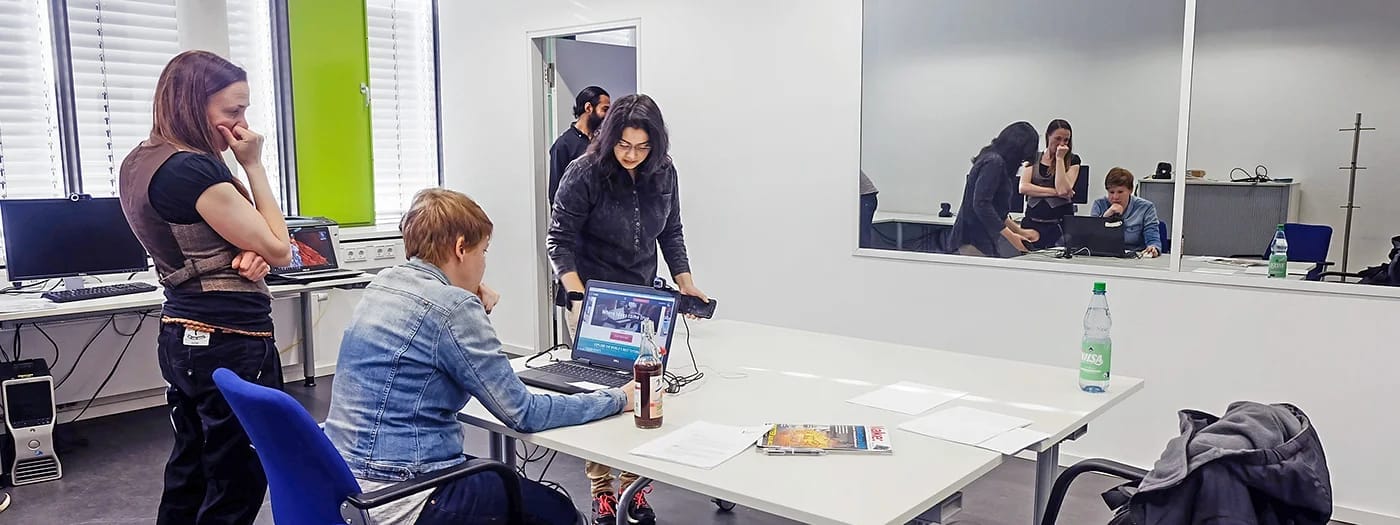
- Interview and observation rooms
- Magazine advertisement as context setting
- Think-aloud protocol
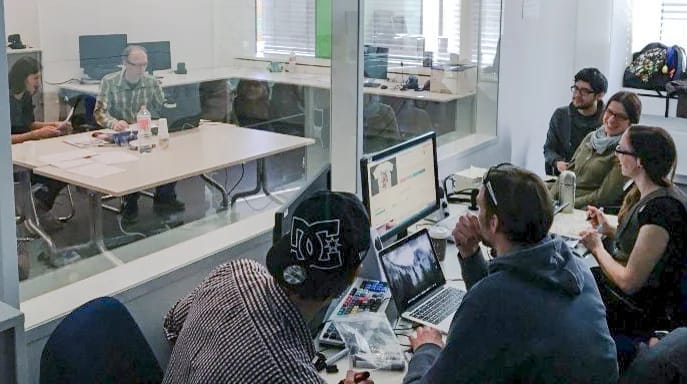
- One-way mirror observation
- Video recording of interactions
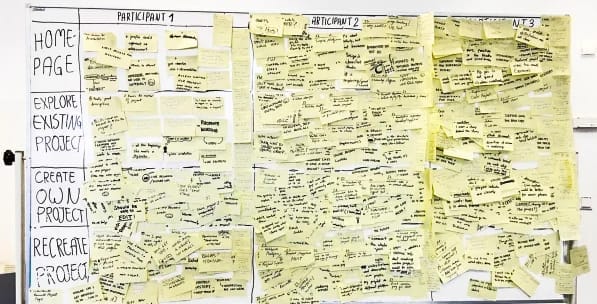
- Live note-taking on whiteboard
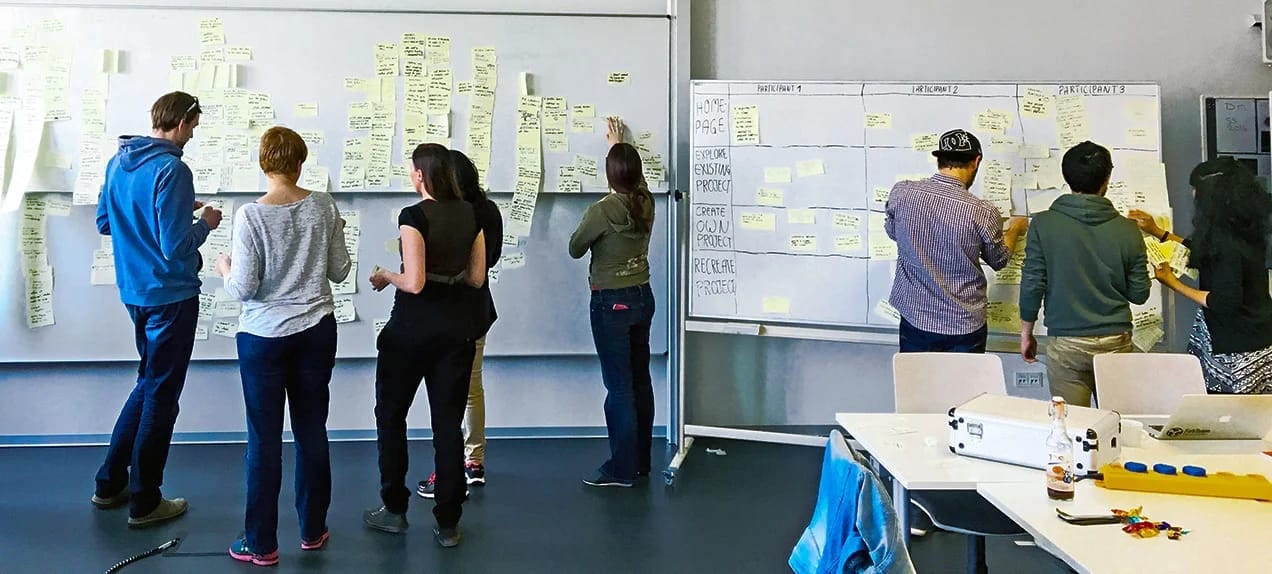
- Observation notes sorting and prioritization
- Voting to identify strengths and improvement areas

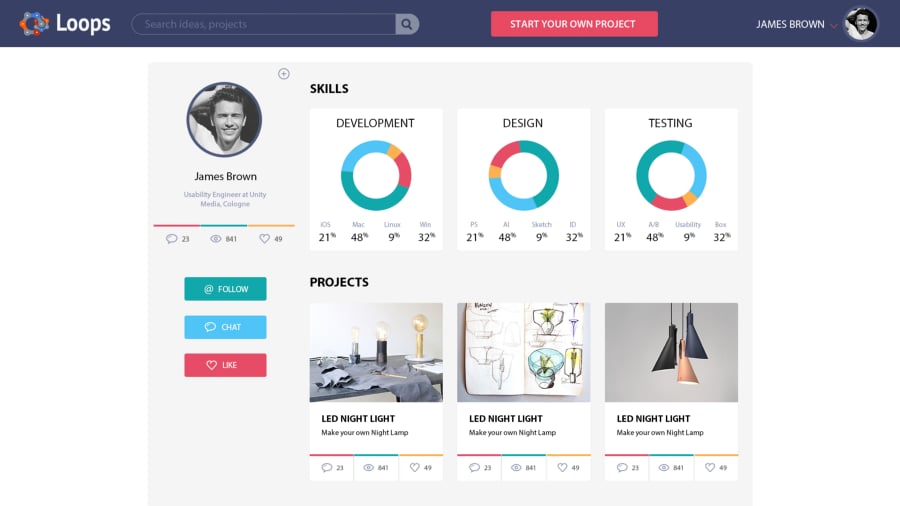
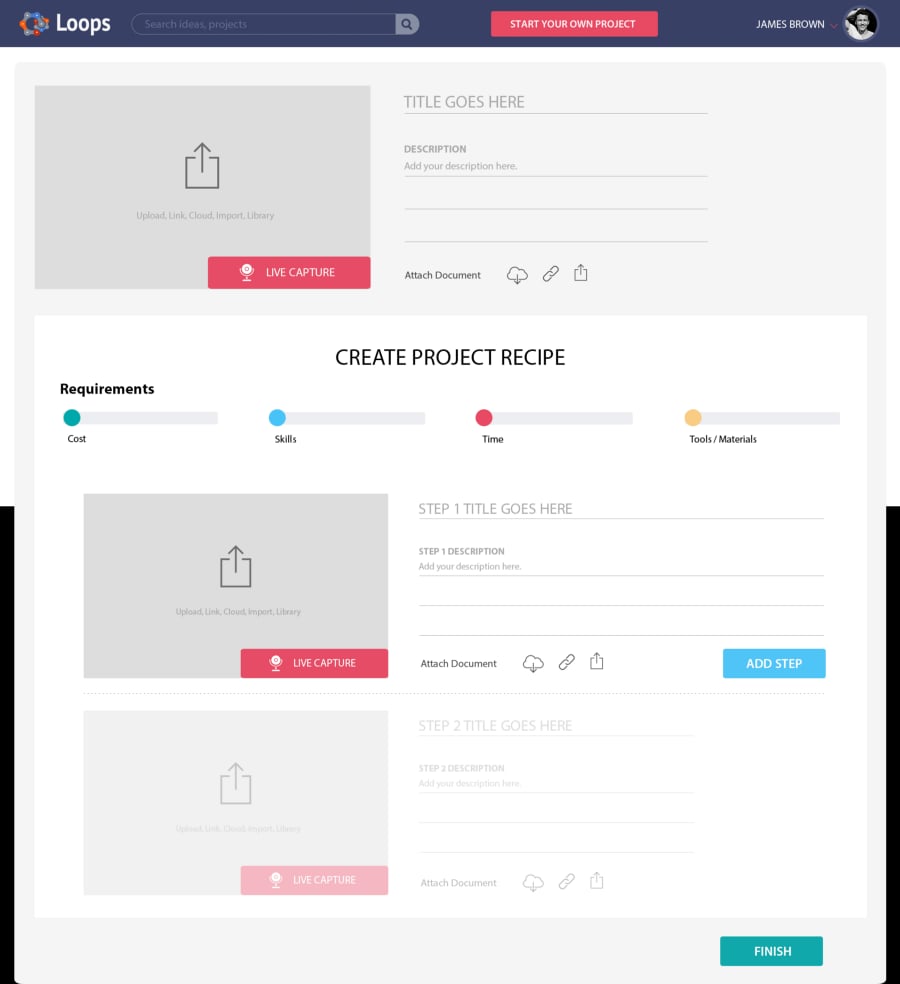
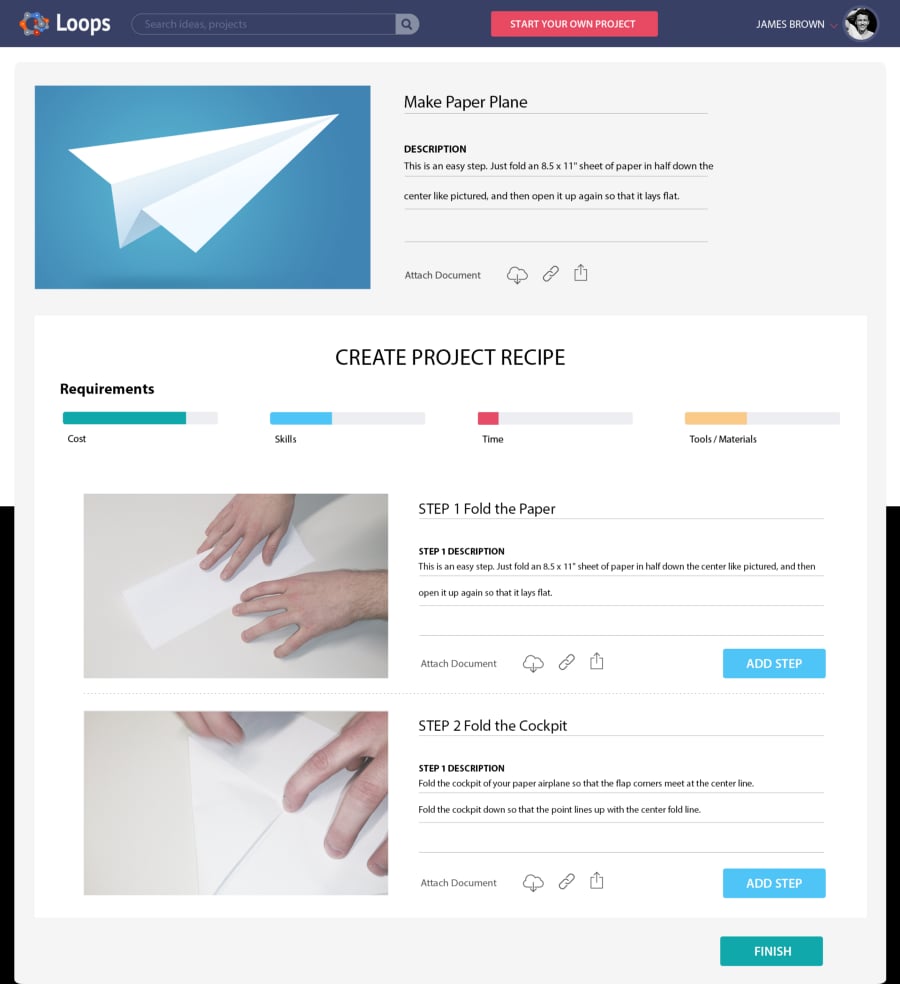
Test Participants: Five users engaged with prototype
Key Findings (Top 3 Priorities):
- Eliminate documentation friction (identified as root problem)
- Simplify re-creation process (through detailed requirements, instructions, supplier integration)
- Build community engagement (via rewards, gamification, licensing systems)
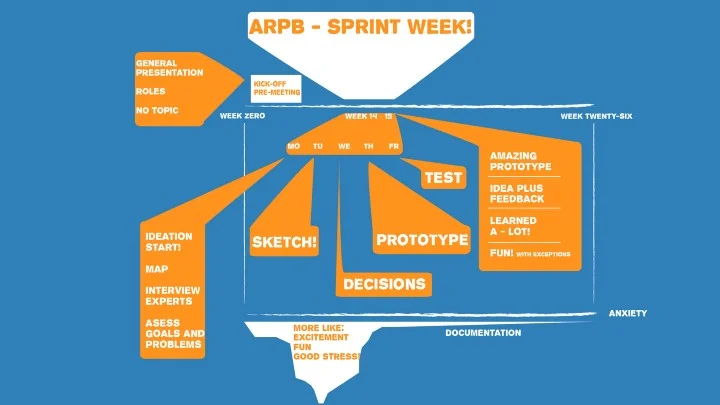
Retrospective
Critical Reflection: Scope proved too ambitious. Overemphasis on community features diverted resources from core innovation: simplifying the documentation process itself. Five users insufficient for testing community aspects across one day.
Methodological Note: Challenge framing inadvertently restricted solution space by presupposing platform-based solution, potentially excluding relevant hardware components or alternative approaches.
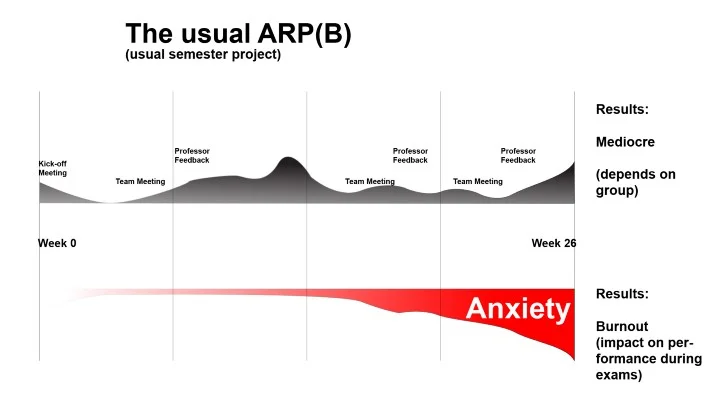
Participant Experience: This sprint methodology compared favorably with traditional semester-long projects, with significantly higher engagement and satisfaction among team members.